How to Use L.LINKS
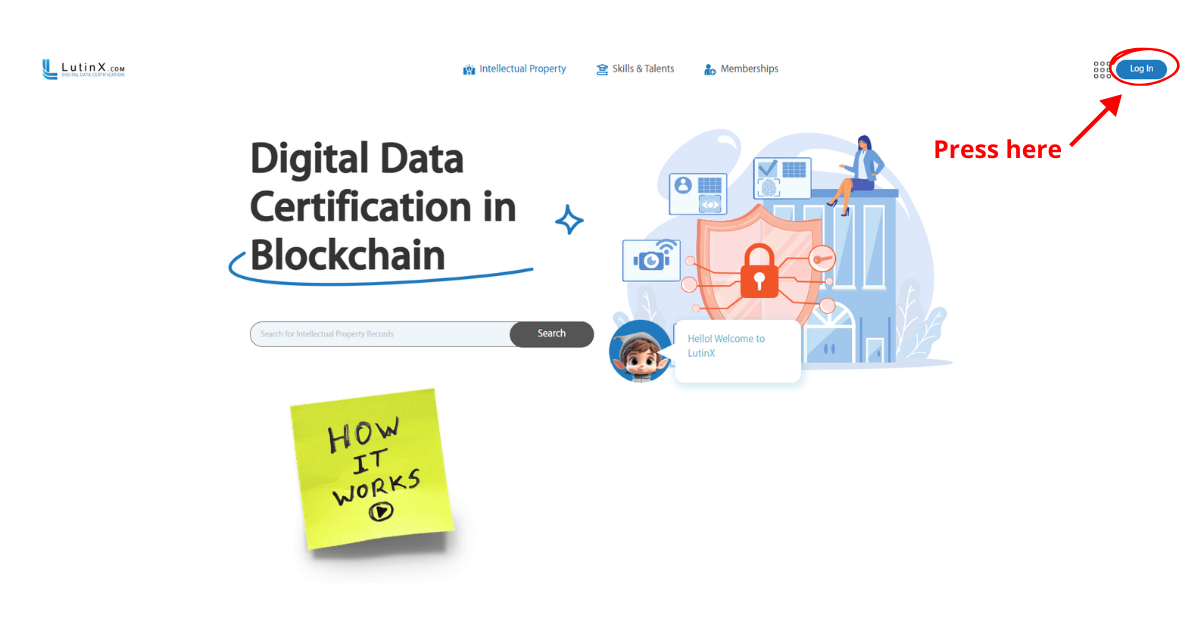
Step 1 — Create or access your personal account
To use L.LINKS you must have a personal LutinX account.
If you create a new account, completing KYC verification is recommended to become a fully identified user.
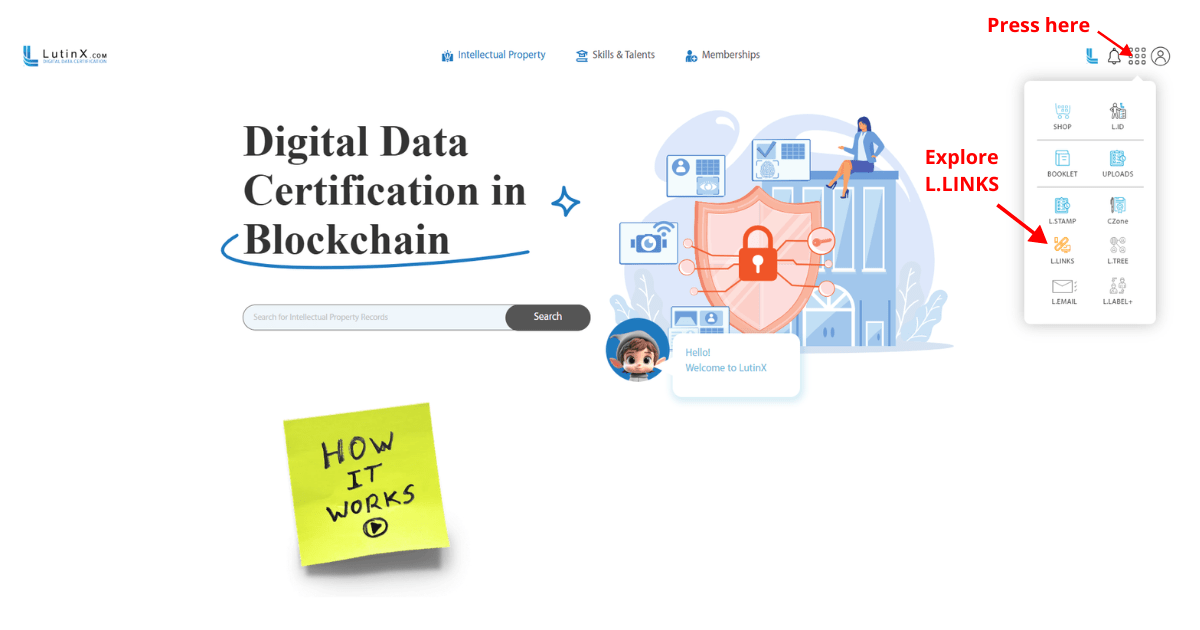
Step 2 —Access L.LINKS from your dashboard
From the app menu, select L.LINKS to enter the link management area.
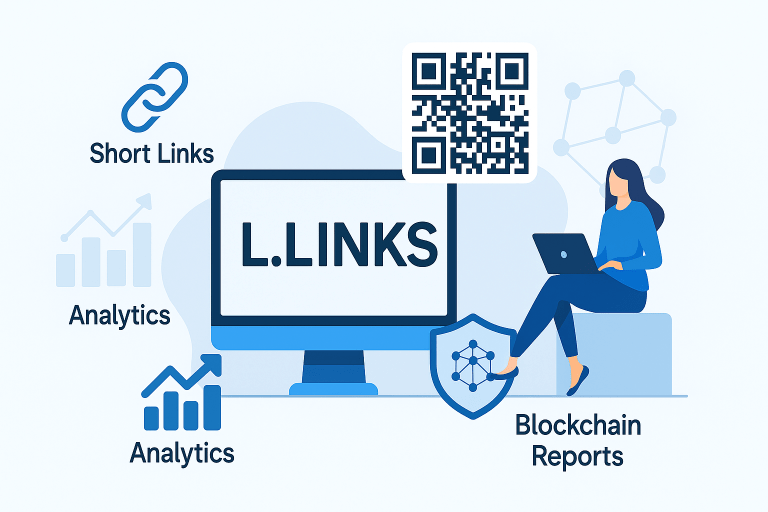
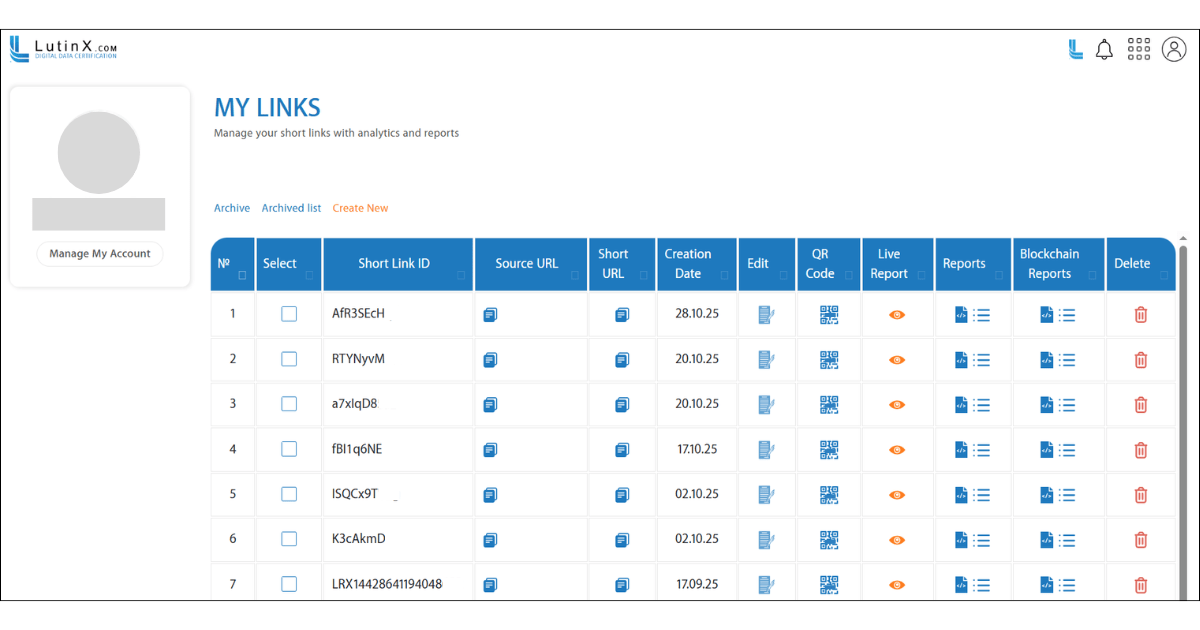
Here you will find your link table, analytics, reports, and archived links.
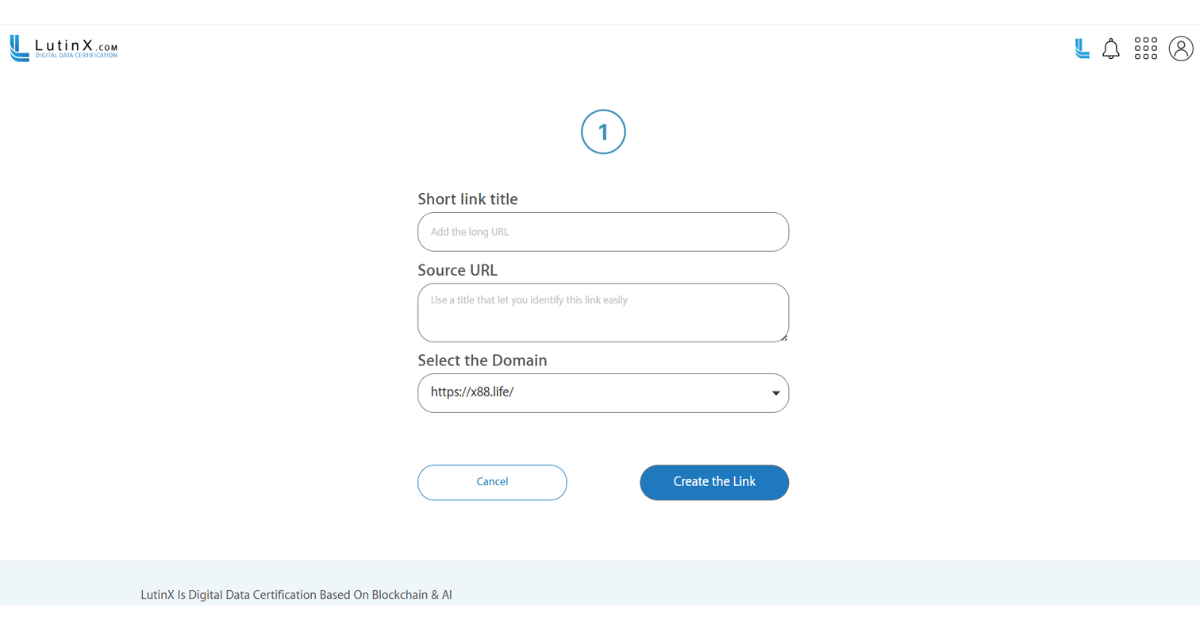
Step 3 — Create a new short link
Click “Create New” and enter:
L.LINKS will generate:
a Short Link ID
a Short URL
a QR Code
ready to copy, share, and use.
Step 4 — Monitor analytics and interactions
Each link includes:
Analytics help you understand how your users interact with the shared content.
Step 5 — Access blockchain-secured reports
Every short link includes:
a Blockchain Report
immutable logs
timestamped interactions
These records ensure transparency and prove that the link activity cannot be altered or manipulated.
Step 6 — Edit, archive, or delete your links
From the dashboard you can:
This gives you full control over your link portfolio and reporting history.