
Email verification and receiving your User Code

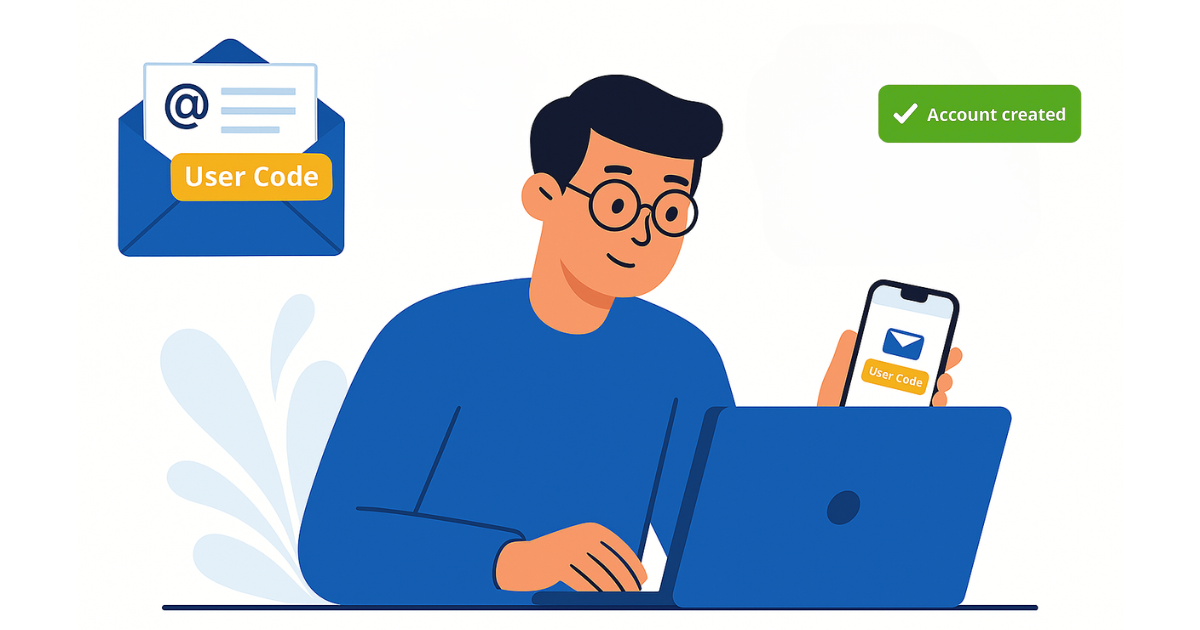
After registration, you will receive an email from LutinX containing your User Code.
This code is automatically generated and uniquely linked to your account. It identifies you as a verified user and is required to access your personal Dashboard.

Use your User Code as your username when signing in to your account.
Keep it safe — it will remain your permanent access credential for all future logins.

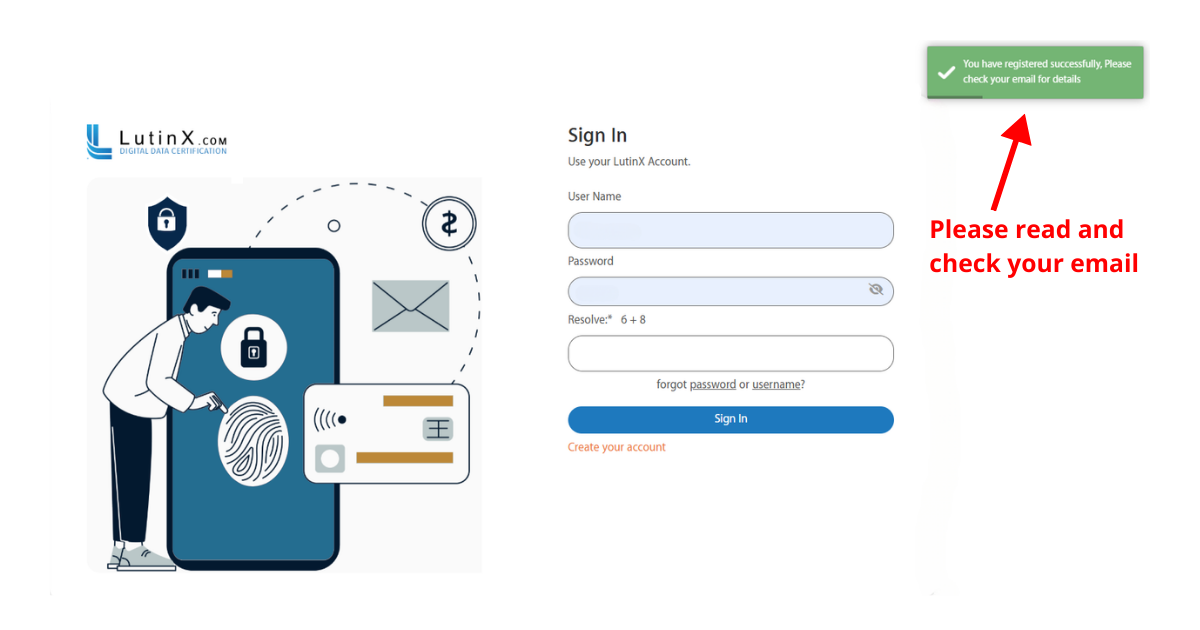
Follow the steps below carefully and use the screenshot as a reference:

After completing the registration form and clicking Sign Up, you need to verify your email and obtain your User Code.

Step 1 – Confirmation pop-up

  • Right after you click Sign Up, a green confirmation message will appear at the top right corner of the screen.

  • This means your registration has been successfully submitted.

Step 2 – Check your inbox

  • Go to the email inbox you used for registration.

  • Look for the Welcome email from LutinX.

  • If you don’t see it, check your Spam/Junk folder.

Step 3 – Find your User Code

  • Inside the Welcome email, you will find your unique User Code.

  • This code identifies your account and is required for your first login.

  • Keep it safe — it is as important as your password.

Step 4 – What’s next

  • With your User Code and the password you set during registration, you can now log in to your LutinX Dashboard.

  • The Dashboard is where you will access your apps and manage your account.

If You Didn’t Receive Your User Code:

If the email is not in your Inbox or Spam/Promotions:

  1. Wait a few minutes and search your mailbox for “LutinX User Code”.

  2. Make sure you entered the correct email during registration.

  3. Try registering again using the same email address you used before.

    • If you see a message that the email is already in use, it means your account already exists but you don’t have the code at hand.

  4. Contact the support team at helpdesk@lutinx.com to request your User Code.

When you write to us, please include:

  • Full name and the email address used for registration

  • Approximate date/time of registration

  • Your country/time zone

  • Any error message displayed

The support team will verify your identity and resend your User Code securely.