What is L.LINKS

L.LINKS is the short-link management system integrated into the LutinX ecosystem.
It allows users and organizations to create, manage, and track short URLs supported by QR Codes, analytics, and tamper-proof blockchain reports.

L.LINKS provides a secure and reliable way to share URLs while maintaining full visibility on user interactions and link activity.

What L.LINKS Does

L.LINKS enables you to:

  • Create short URLs for any file or resource.

  • Generate dynamic QR Codes automatically for each link.

  • Monitor real-time analytics, including:

    • clicks

    • traffic origin

    • device type

    • location

  • Access blockchain-secured reports that ensure link integrity and immutable tracking.

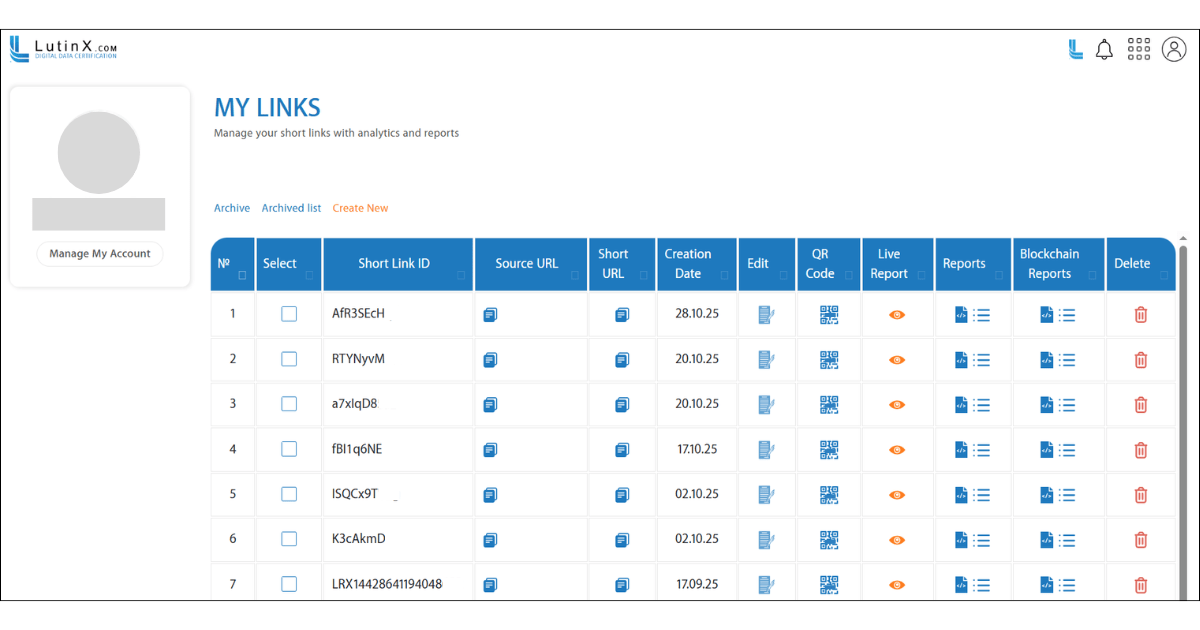
  • Edit, archive, or delete links at any time from your dashboard.

  • Manage all short links in one centralized interface.

  • Share short links in a secure and verifiable way, supporting professional and organizational needs.

L.LINKS turns simple URLs into fully monitored digital assets.

How to Use L.LINKS

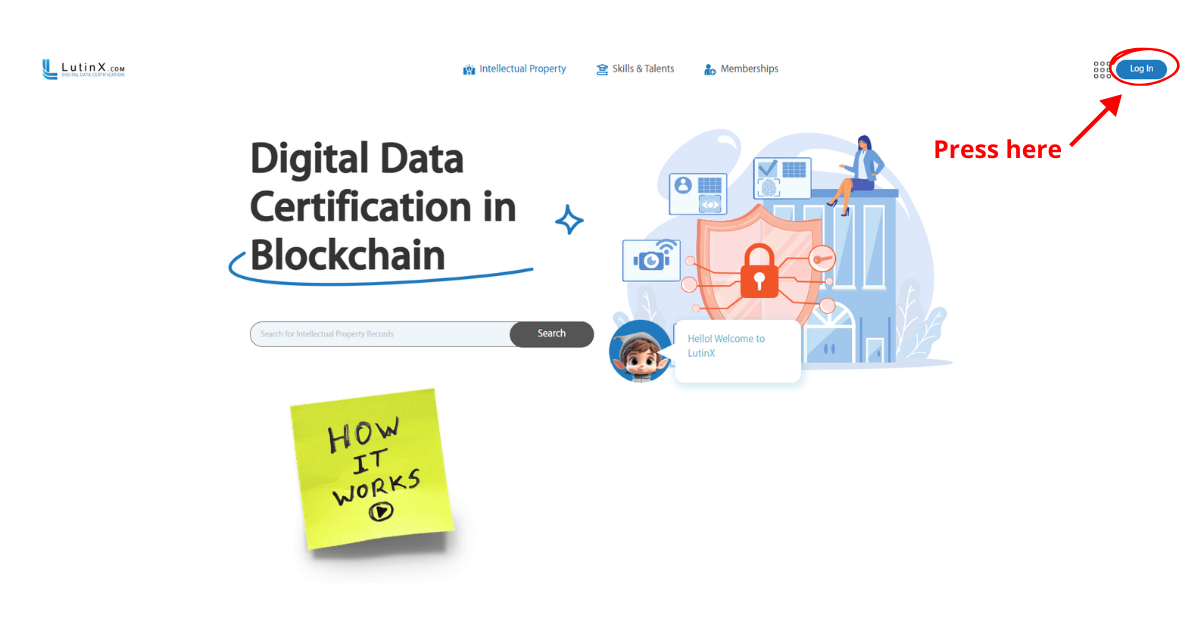
Step 1 — Create or access your personal account

To use L.LINKS you must have a personal LutinX account.

If you create a new account, completing KYC verification is recommended to become a fully identified user.

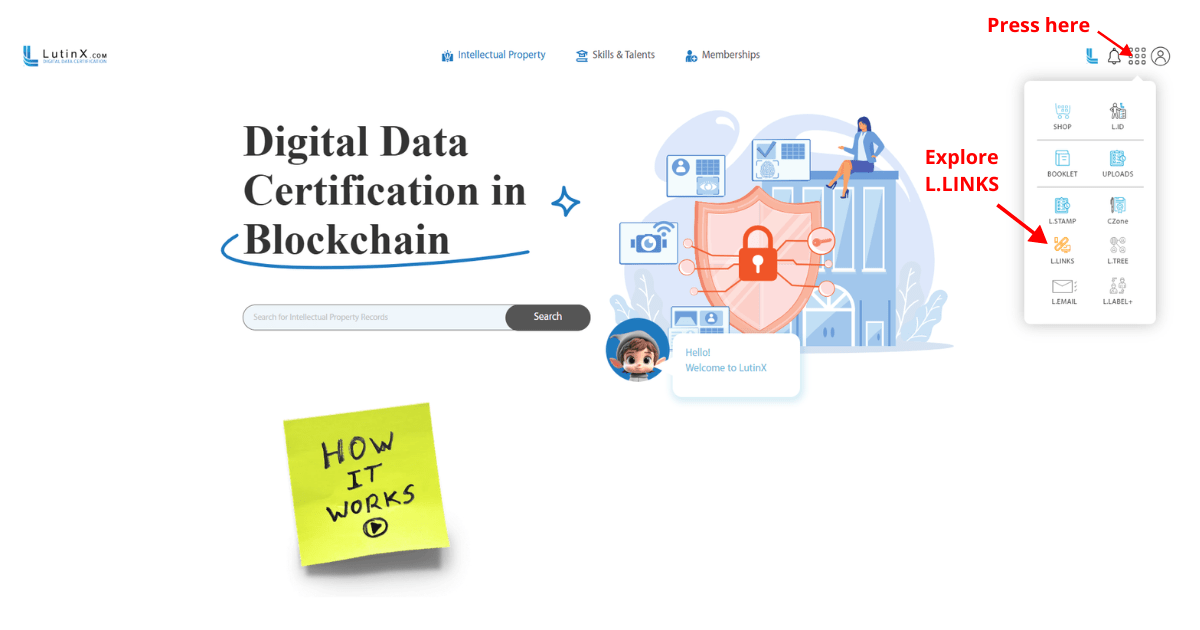
Step 2 —Access L.LINKS from your dashboard

From the app menu, select L.LINKS to enter the link management area.
Here you will find your link table, analytics, reports, and archived links.

Step 3 — Create a new short link

Click “Create New” and enter:

  • the source URL

  • optional parameters

  • desired customization (if applicable)

L.LINKS will generate:

  • a Short Link ID

  • a Short URL

  • a QR Code

ready to copy, share, and use.

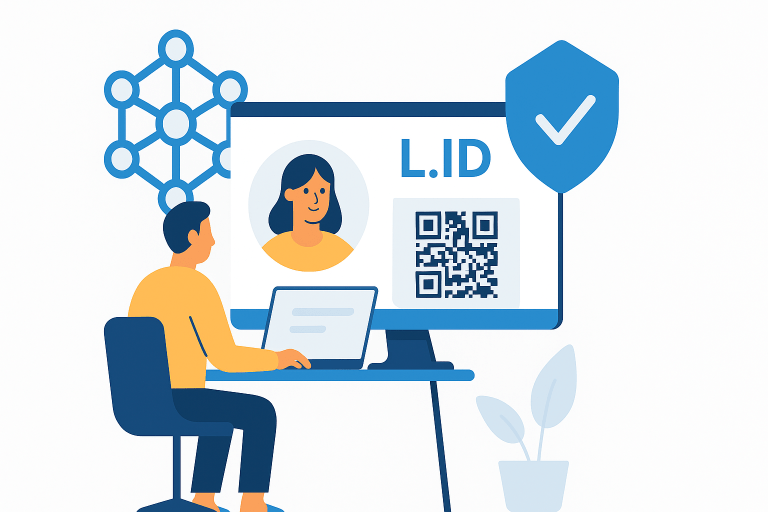
Step 4 — Use your L.ID for trusted authentication and verification

Your L.ID can be scanned or shared to:

  • verify your identity

  • join events

  • access services requiring trusted authentication

  • complete identity checks instantly through your QR Code

Organizations will only receive the information you explicitly authorize.

Step 5 — Maintain and update your identity information

You can update your photo, add missing information, or complete verification steps when needed.
L.ID ensures that your identity remains accurate, protected, and under your control.